Toggle VPN Logo
Pricing
Download VPN

DESKTOP

Windows
MacOs

Mobile

Android
iOS

TV

Android TV
Apple TV
ServersContact Us
Sign inStart free trial
Pricing

DESKTOP

Windows
MacOs

Mobile

Android
iOS

TV

Android TV
Apple TV
ServersContact Us
Start free trialSign in
Toggle VPN Logo

Go Far. Be Local.

PRODUCT
My AccountToggle VPNServer LocationsPricingSubscription Cancellation
COMPANY
Terms of UseWebsite Privacy PolicyApplication Privacy PolicySupportOur Guarantees
DOWNLOAD VPN
Android iconVPN for AndroidiOS iconVPN for iOSWindows iconVPN for WindowsmacOS iconVPN for MacAndroid TV iconVPN for Android TVApple TV iconVPN for Apple TV
SOCIAL MEDIA
GitHub iconGitHubLinkedIn iconLinkedinInstagram iconInstagramYoutube iconYoutubeX (Twitter) iconX (Twitter)socialMedia.icons.telegramTelegram

Location icon131 Continental Drive, Suite 301, Newark, DE 19713-4323

Email icon[email protected]

© 2026 Toggle Inc. All rights reserved

Our team of technical experts is dedicated to developing innovative technology solutions for online security and internet privacy.

How to cancel Toggle VPN subscription

Canceling your Toggle VPN subscription is simple and hassle-free. Here's how it works, depending on where you signed up.

Using a receipt or bank statement

Toggle VPN website

Mobile

Desktop

Apple App Store

Google Play

What happens after your cancel

For users who have a receipt or bank statement

You can find and cancel your subscription using the unique payment number from your receipt or bank statement. If you have an SMS receipt or a bank statement with a charge from Toggle VPN at hand, go to the Billing page and follow the instructions.

For users who subscribed via Toggle VPN website

Mobile

For users who purchased the subscription with a credit card, Apple Pay, or Google Pay directly on the website and wish to cancel it using their mobile device, please do the following:

  1. 1

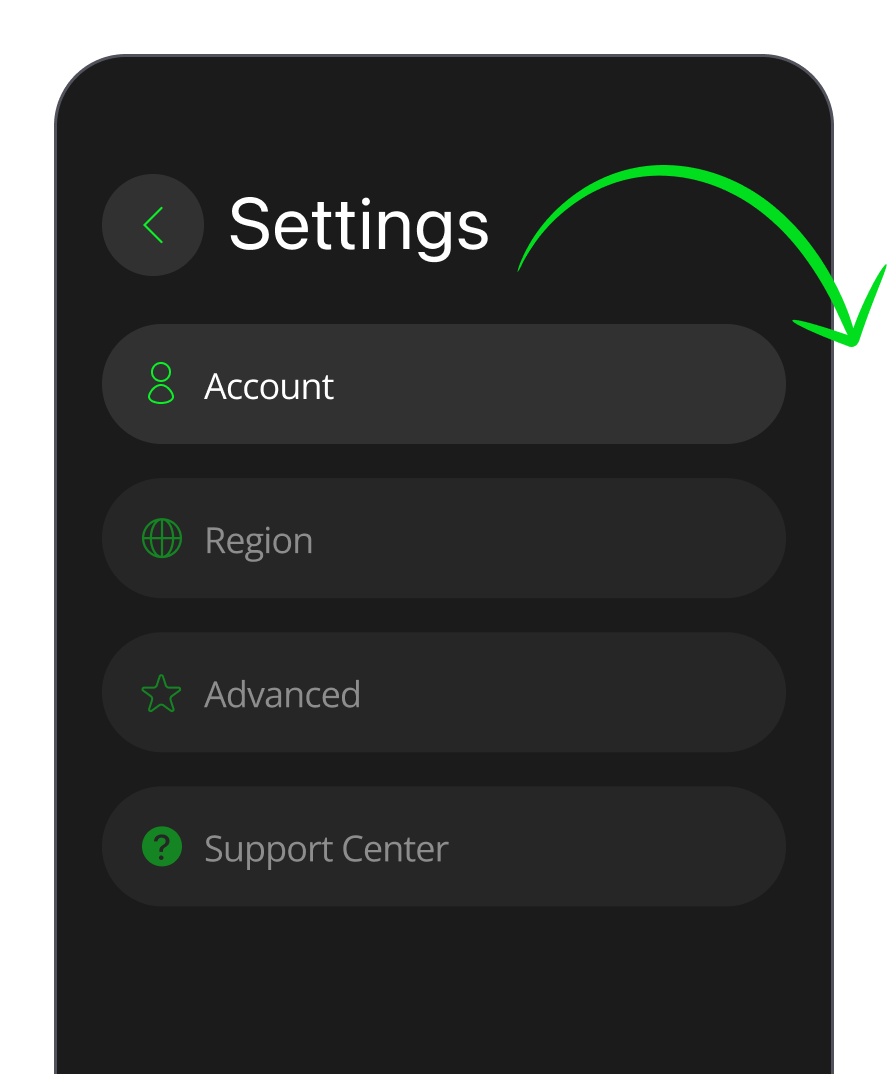
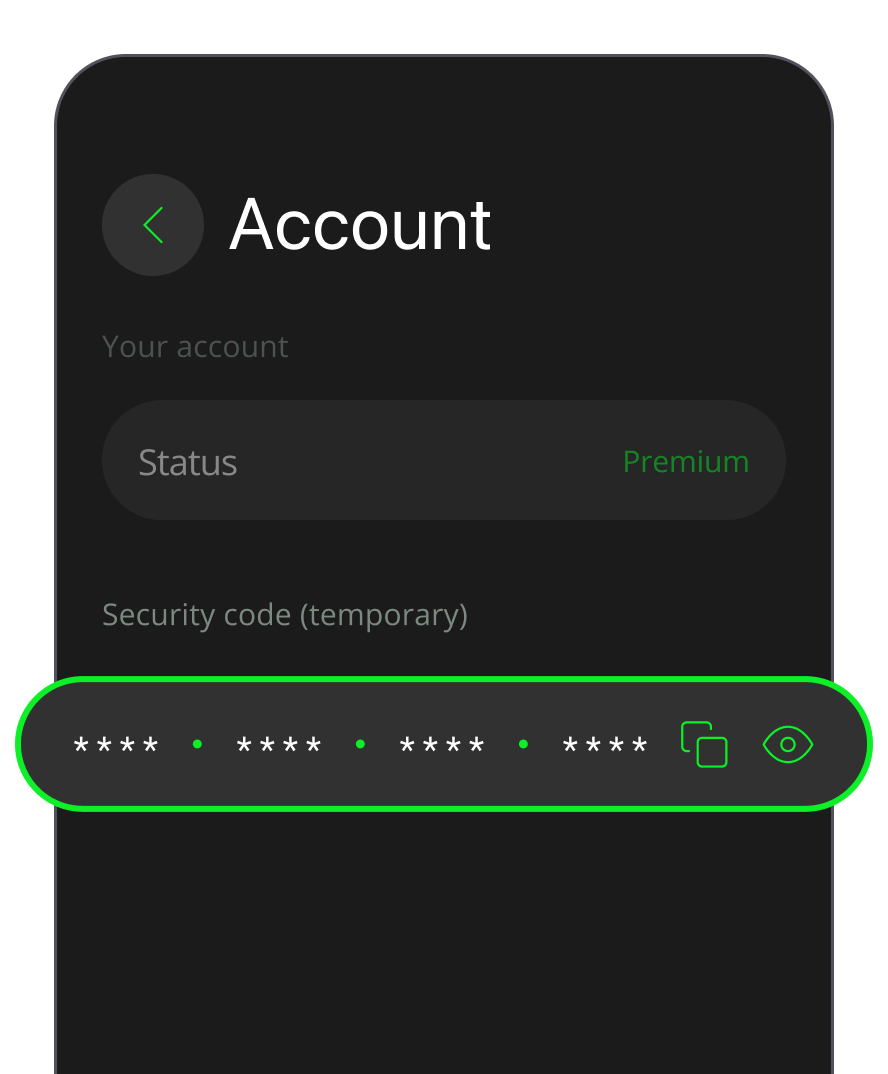
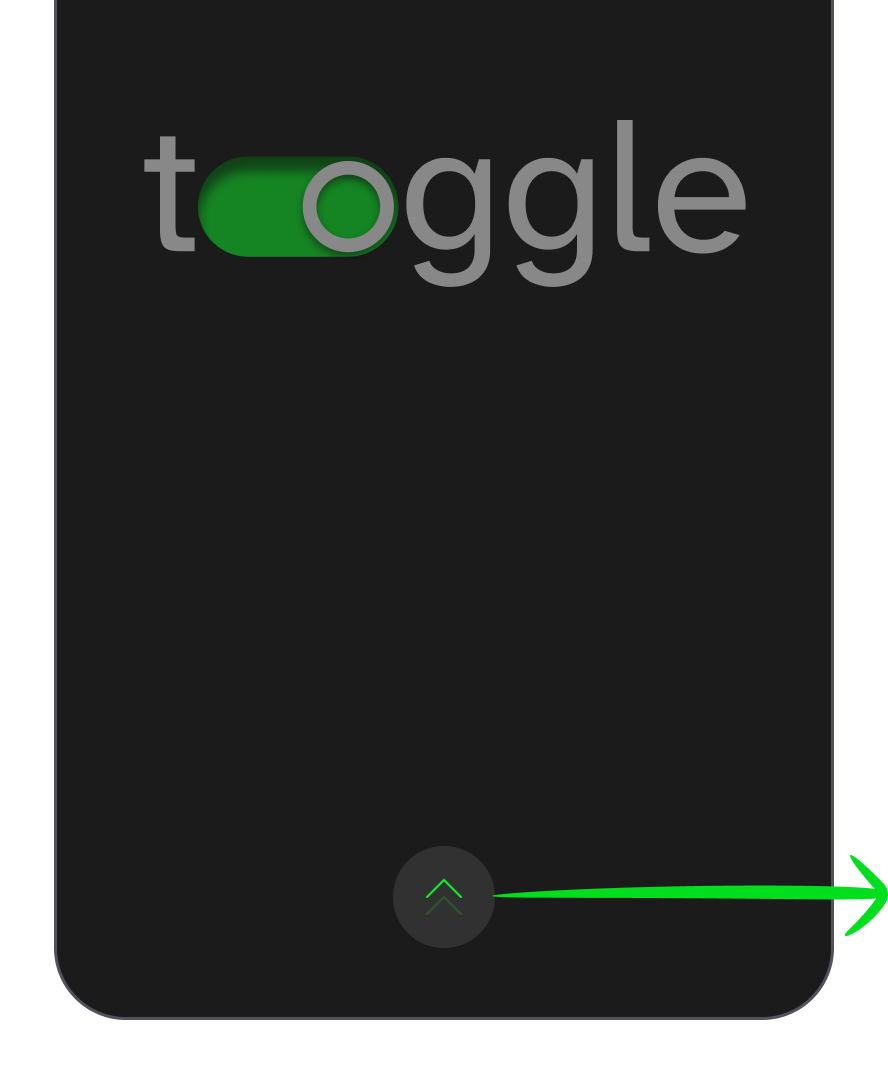
    First, copy your Security Code in the Toggle VPN app (Settings –> Account –> Copy code).
    open Toggle VPN app
    go to settings
    copy your security code
  2. 2

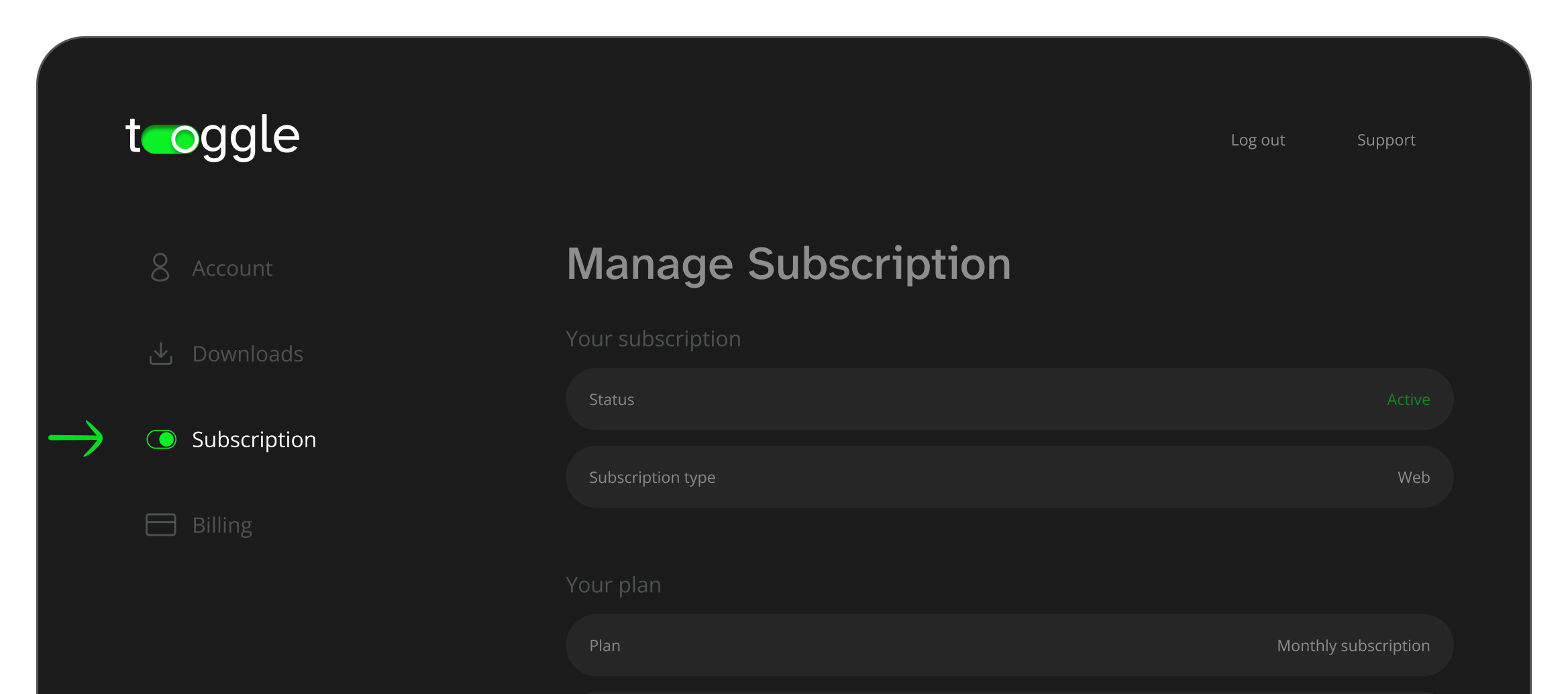
    Visit your account's subscription page.

  3. 3

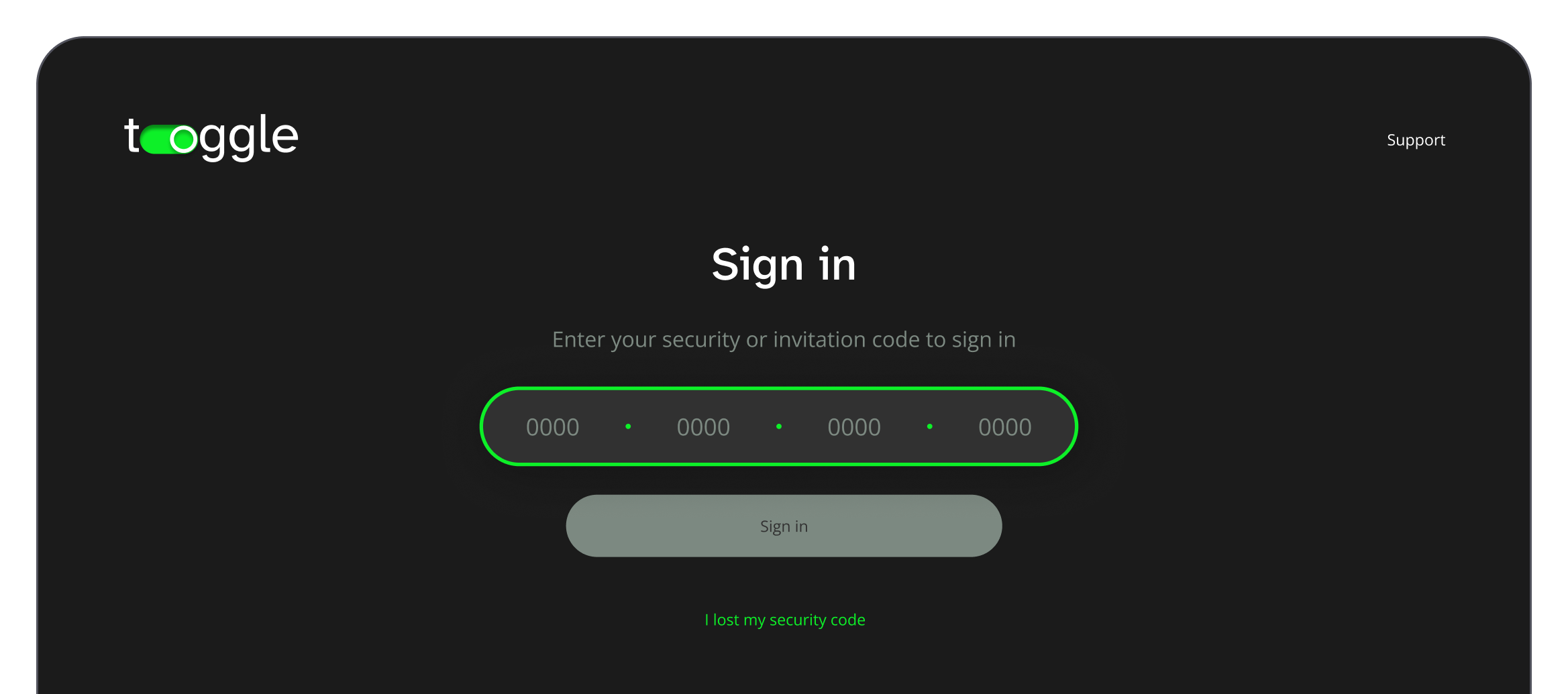
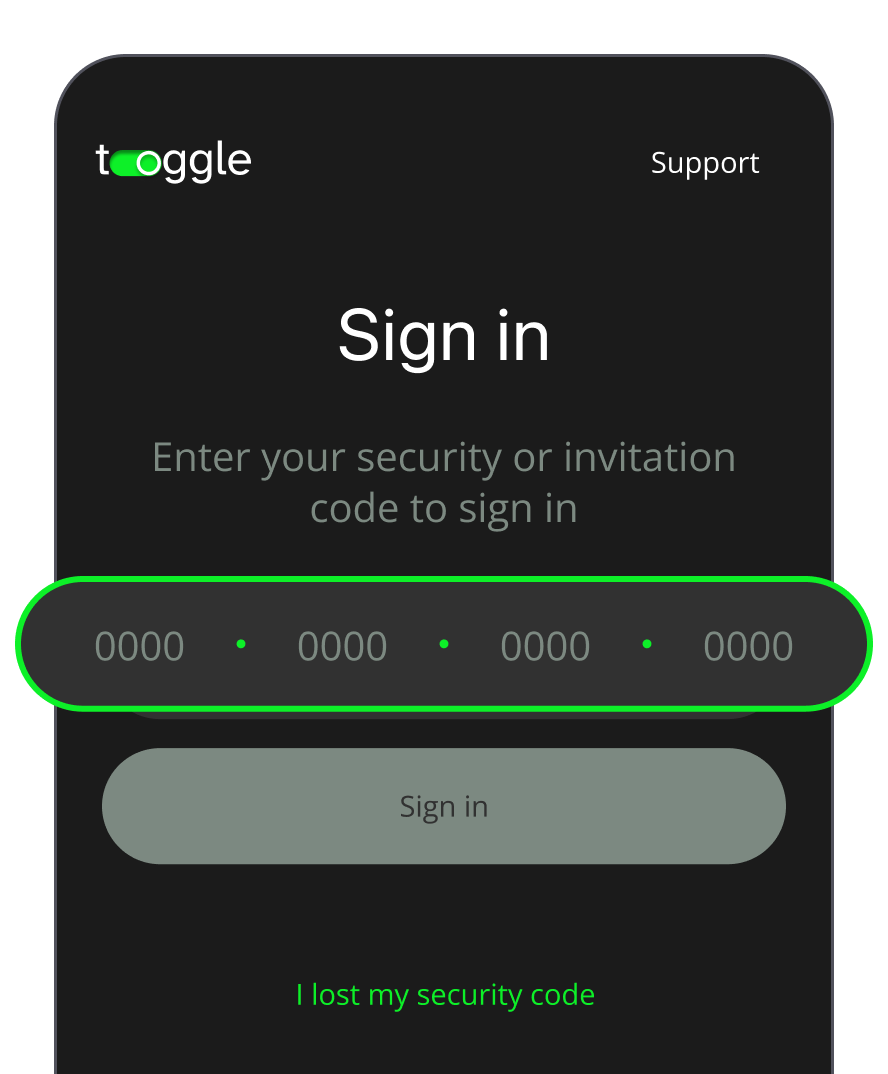
    If you're logged out of your account, enter the Security Code you have copied.
    enter the security code
  4. 4

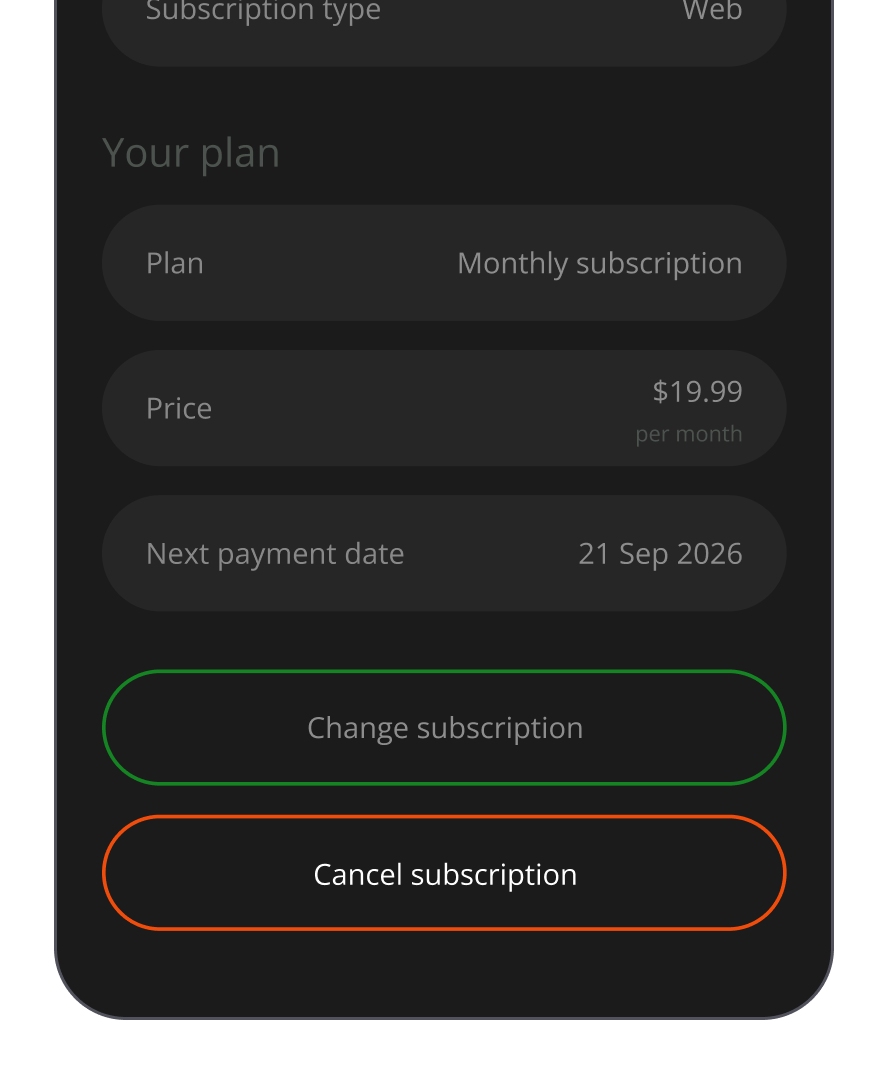
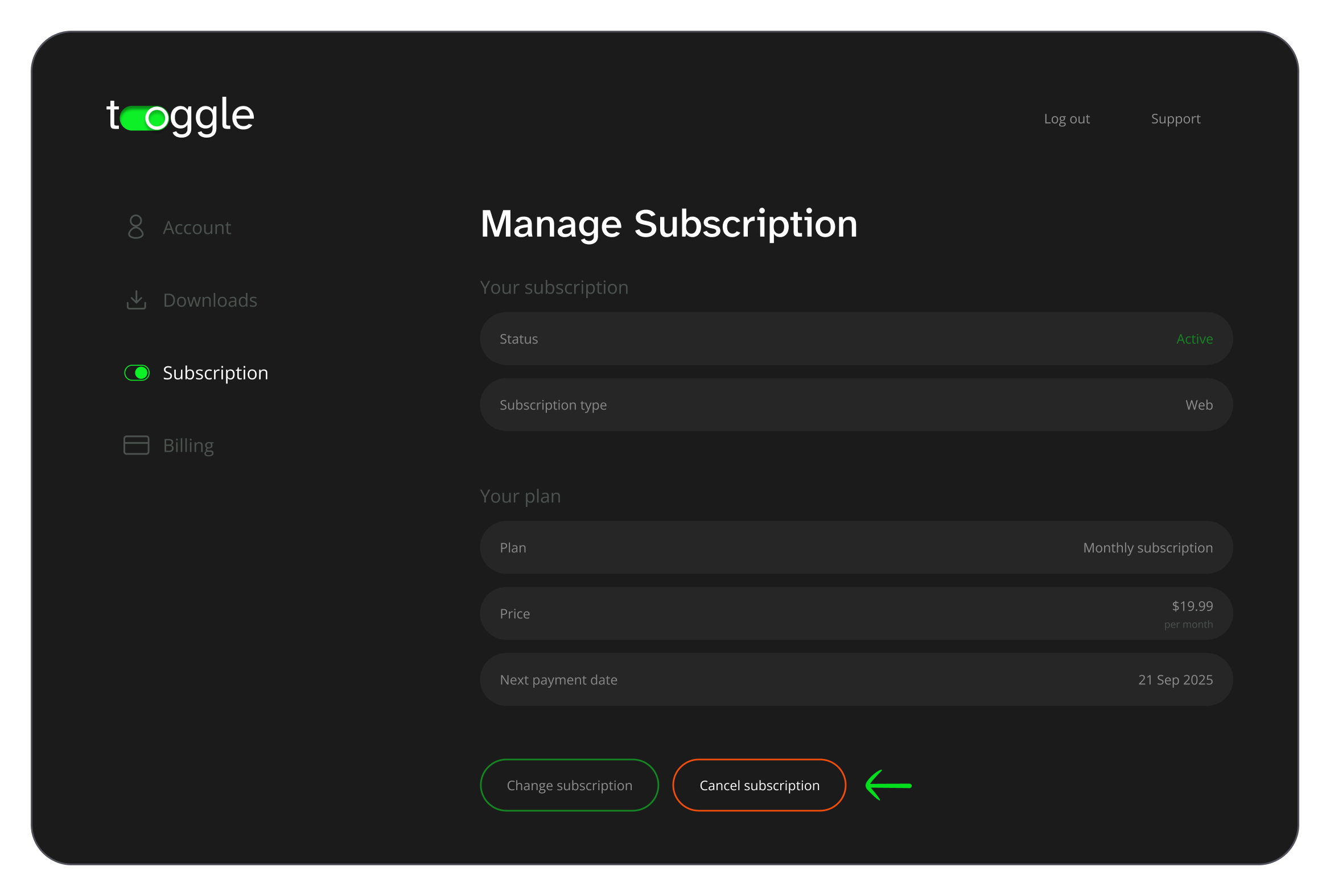
    Click the button saying Cancel subscription.
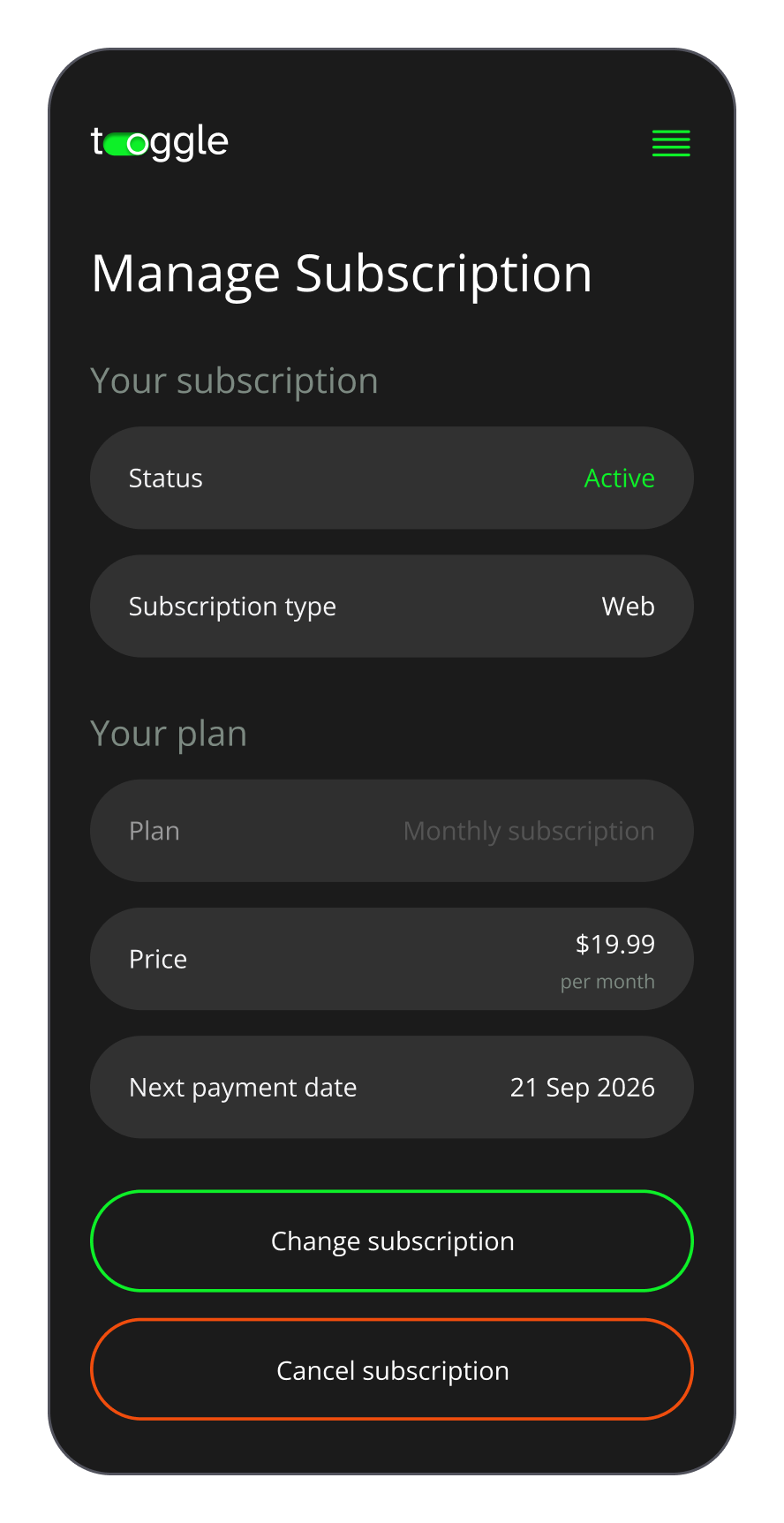
    click the cancel subscription button
    go to manage subscription
    click the cancel subscription button
  5. 5

    If there are any prompts, follow the instructions to complete the process.

  6. 6

    Check that you're not still subscribed via the App Store or Google Play. If you don't know how to do it, please see the Important! note below.

Desktop

For users who purchased the subscription with a credit card, Apple Pay, or Google Pay directly on the website and wish to cancel it using their desktop, please do the following:

  1. 1

    Visit Toggle.org and log in to your account using your Security Code.

    log in to your account on the website
  2. 2

    Navigate to the Subscription page.

    go to the subscription management section
  3. 3

    Click the button saying Cancel subscription.
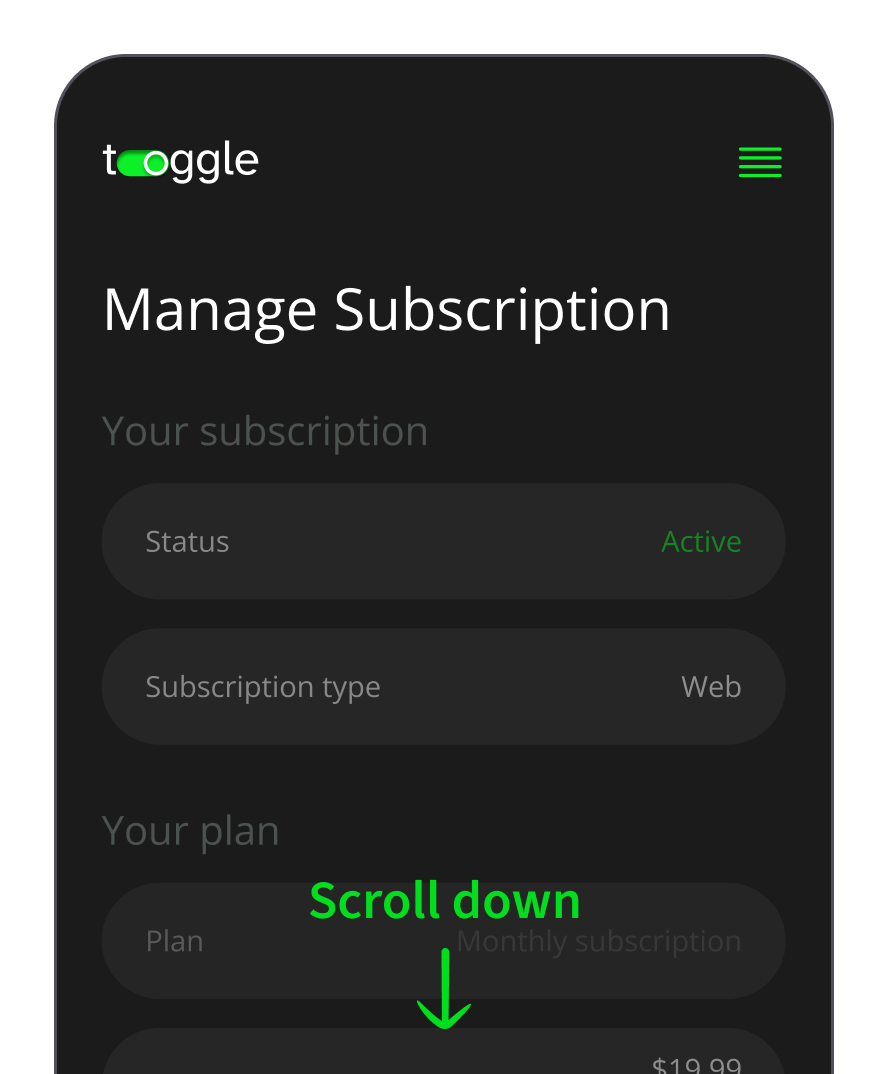
    click the unsubscribe button
  4. 4

    If there are any prompts, follow the instructions to complete the Toggle VPN cancel subscription process.

  5. 5

    Check that you're not still subscribed via the App Store or Google Play. If you don't know how to do it, please see the Important! note below.

icon
Important!
Subscriptions purchased through app stores and our website are billed separately, so canceling one does not cancel the other. To make sure you're fully unsubscribed, open your store and review your active subscriptions. Toggle VPN should not appear in the list. This quick check helps ensure your cancellation request was fully completed.
icon
Please note
If you sign up through the Apple App Store or Google Play Store, your payments will be handled by these platforms. In other words, their specific terms and billing policies apply. For any related questions, please contact Apple Support or Google Play Help.

For users who subscribed via Apple App Store

If you purchased the subscription for iOS via Apple Store, please do the following:

  1. 1

    Launch the App Store.

  2. 2

    Click on your Apple ID name at the top.

  3. 3

    Select Subscriptions.

  4. 4

    In your list of active subscriptions, find Toggle VPN.

  5. 5

    Tap Cancel subscription, then confirm your choice to complete the process.

  6. 6

    Check that you're not still subscribed via the web. If you don't know how to do it, please see the Important! note below.

For users who subscribed via Google Play

If you purchased the subscription for Android via Google Play store, please do the following:

  1. 1

    Launch the Google Play Store.

  2. 2

    Click on your profile picture (upper right corner).

  3. 3

    Go to Payments and subscriptions.

  4. 4

    Tap Subscriptions.

  5. 5

    Pick Toggle VPN.

  6. 6

    Choose Cancel subscription and confirm to complete the process.

  7. 7

    Check that you’re not still subscribed via the web. If you don’t know how to do it, please see the Important! note below.

icon
Important!
Different subscription methods are billed separately. This means that canceling through an app store does not automatically cancel a web subscription. To confirm you're fully unsubscribed, visit your account's subscription page (log-in steps are described earlier on this page) and make sure your status is marked as Cancelled. This quick check helps ensure your cancellation request was fully completed.
icon
Heads up

Deleting is not canceling!

  • Simply removing the Toggle VPN app from your device does not stop billing.
  • Deleting your account does not automatically cancel an active subscription purchased via the App Store or Google Play.

If you didn't cancel through the correct channel (website, App Store, or Google Play), charges will continue as scheduled.

What happens after you cancel?

  • No more charges

    After the cancellation request is successfully processed, there will be no further charges to your account.

  • Keep access until the end

    Your subscription will be active until the end of the current billing cycle. So you'll still have access to Toggle VPN for the remainder of the cycle you paid for.

  • Welcome back anytime

    If you change your mind, you can re-subscribe in just a few clicks. If you hit a snag or need help, our support team's ready to jump in. Please contact us at: [email protected]. Reach out any time.