 30-day money-back guarantee
 Native Apple TV app, no router setup
Access regional streaming libraries
Watch US Netflix from Europe, UK BBC iPlayer from anywhere in the world, or connect to different locations and enjoy streaming region-specific content.
Built for the big screen
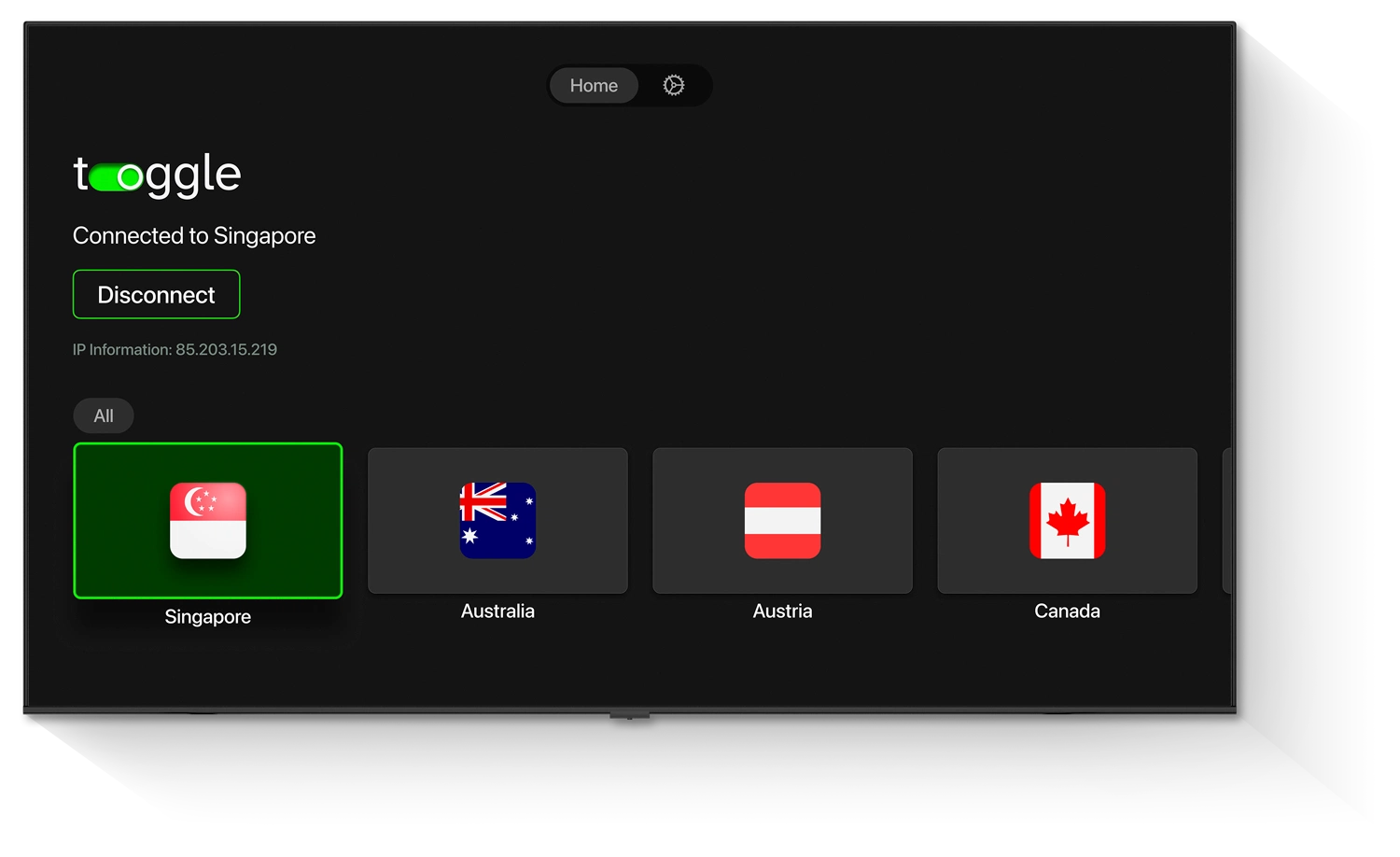

Dedicated app for tvOS
Using our reliable VPN for your TV means that your streaming activities will be secure with end-to-end encryption and routed through a secure server of your choice. This way, you'll be able to enjoy smoother access to regional libraries, secure your home IP address, and add an extra layer of privacy to your streaming sessions.
Available on
Simple 3-step instructions
With Toggle VPN for tvOS, everything is done directly on your device. There are no complicated router configurations to deal with. Just install, connect, and enjoy secure, lag-free streaming.
Download the app
Open the Apple App Store and download the Toggle VPN app. It will only take a few seconds to install.
Sign in or create your account
Log in to your existing account or subscribe to a new one. Your subscription allows you to use multiple devices.
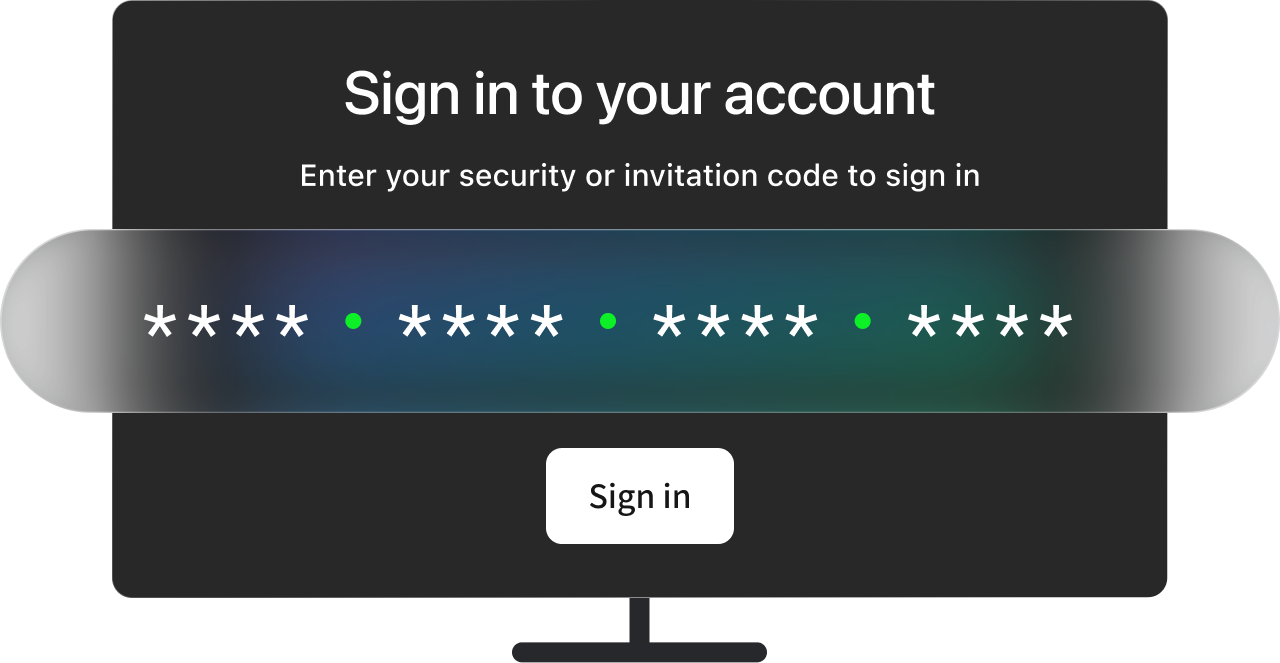
Connect to a server location
Select a region from our list of countries worldwide. With a single click, and all your Apple TV traffic will now be routed securely through the selected location. Enjoy high-speed internet access to over 1,200 servers worldwide.

Our app installs directly from the App Store on your device, so no manual setup is needed.

Want to go beyond your TV screen with protection? Toggle VPN for iOS, Android, Mac, and Windows is designed with everyday use in mind.
Keep your streams and online activities secure at home and on the go.
Our app installs directly from the App Store on your device, so no manual setup is needed.
If you prefer an even easier solution, you can also stream your content directly to your large screen from your Mac, iPhone, or iPad. To do this, you'll just need the Toggle VPN app on your iOS or macOS device, along with Apple's AirPlay feature.
First, connect to your chosen region through the Toggle app, then launch your chosen streaming app, tap the AirPlay button, and stream your content to your TV.
As the connection is established through your iOS or macOS device, the stream will also use the same connection and server location.
This is a convenient alternative if you want to control streaming from your phone or laptop while watching on the big screen.
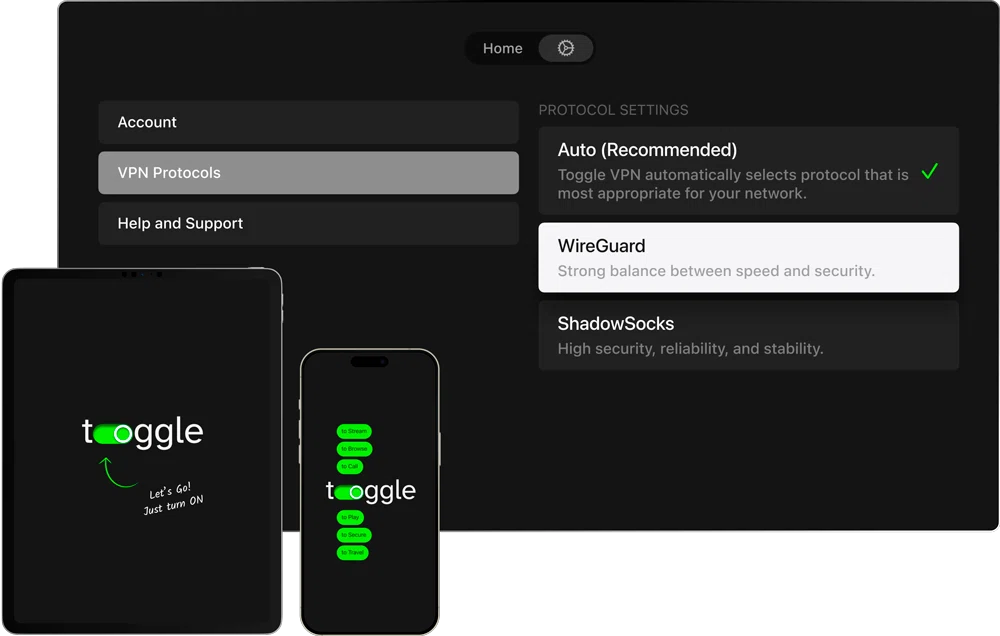
The app that users trust

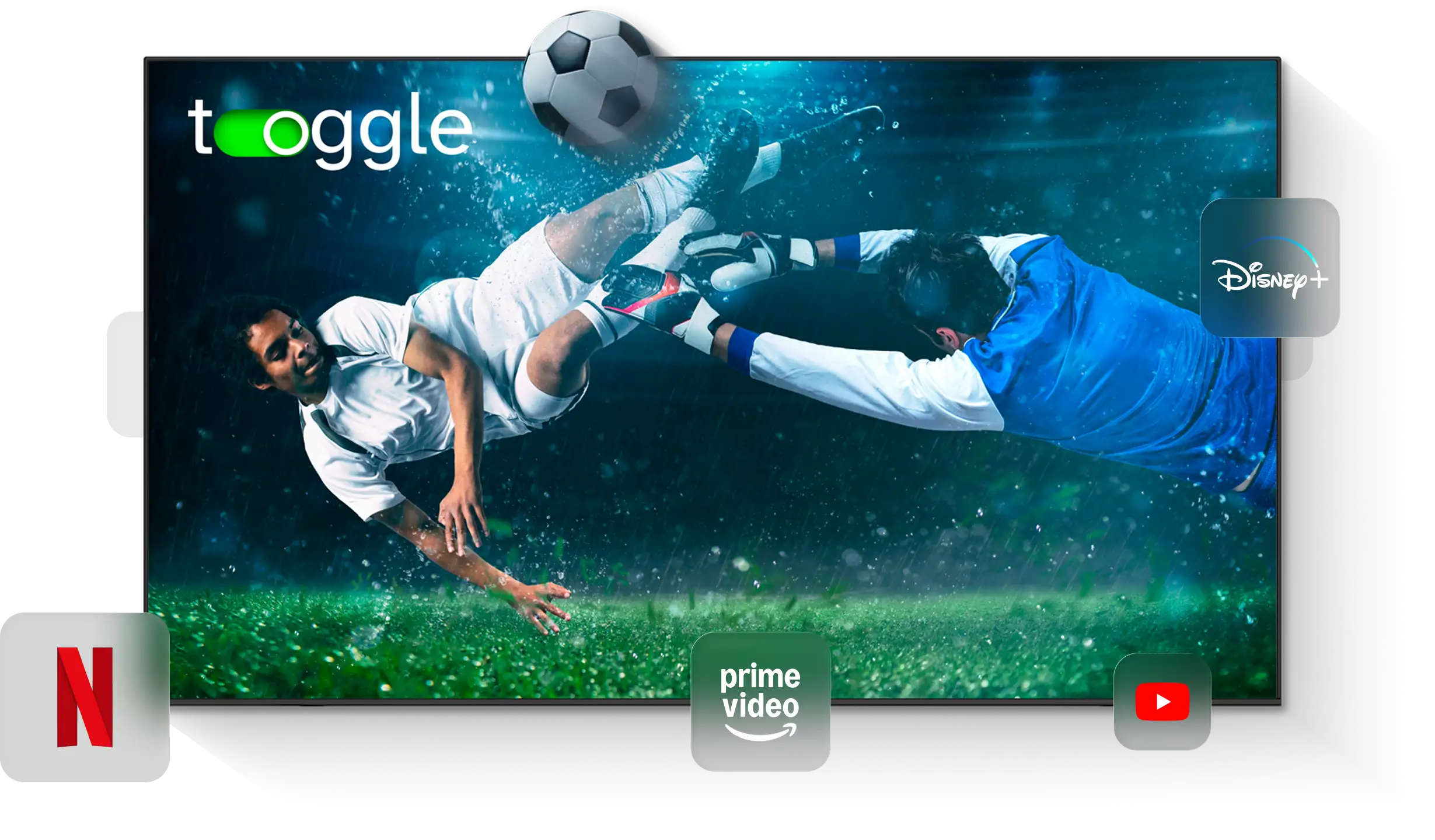
We have fine-tuned our server infrastructure to guarantee you don't experience any buffering or interruptions during your favorite shows and movies, including in 4K quality. This means you can enjoy your favorite videos in high definition on Disney+, Netflix, Hulu, and others.

Our trusted app helps prevent ISP throttling, ensuring you experience a stable connection during live sports. Whether you want to watch football, basketball, or any other international sports event, you can do so smoothly on ESPN+, DAZN, Amazon, Fubo, and many more.

The app's interface is designed for the Apple TV experience. The app interface is simple enough for anyone to use, even if they are not familiar with the use of the VPN. This allows users to connect to a secure server or switch it in just a few clicks.

Connect up to 10 devices to our network, including Apple TV, smartphones, tablets, laptops, and desktop computers. This means you don't have to worry about the security of your online activities, whether you're streaming, browsing, gaming, or doing anything on the internet.

Toggle's high-speed servers are located in multiple countries of the world. This allows users to access content from other locations of the world and enjoy the new content available in these regions. Regardless of the location you are in, there's always a server nearby.

The app uses the strongest encryption technology to ensure your internet connection is secure. In addition to this, the no-logs policy ensures that your online activities are not monitored in any way.
Best pick for your tvOS
Feature
Issue
Solution
Can’t find Toggle VPN in the Apple Store
Your tvOS version might be too old or the Apple TV model is not supported. Ensure you have Apple TV 4K and update to tvOS 17.0 or later
The connection is failing
Restart the app or connect to a different country
The streaming service is not loading
Try a different location
The speeds are slow
Check your internet connection or connect to a server closer to you
Yes. Our service is optimized for use with the Apple TV. You can install our app directly from the App Store without having to deal with router settings. After installing the application, all that is left to do is sign in, select a server location, and connect.
Yes. With a single subscription, you can use Toggle VPN on up to 10 different devices at the same time. In addition to using it on your Apple TV, you can install it on iOS and Android smartphones, Windows PCs, Mac computers, and tablets.
A VPN may cause a slight drop in your connection speed since your traffic will first pass through a server, which is encrypted. Nevertheless, Toggle's infrastructure is built with the capacity to support high-bandwidth activities, which include streaming in high definition and 4K resolution. Most users are able to stream movies, series, and live content without any issues of buffering.
For the most part, such apps are only compatible with Apple TV devices running on tvOS 17 or later. Currently, this includes the Apple TV 4K (2nd generation) and later models. For the older Apple TV devices, VPN protection is normally achieved through the router configuration.
No. One of the major advantages of using Toggle VPN for Apple TV is that it does not require the user to configure the router. As the service uses the native TV OS application, the user can simply connect to the server through the application interface.
The service supports the majority of popular streaming services. Some of the popular services that the users have been using for streaming their favorite content while connected to Toggle include Netflix, Hulu, Disney+, Amazon Prime Video, BBC iPlayer, ESPN, DAZN, etc. By using the app, the users can stream the content available in the libraries of the respective services based on the location of the VPN connection.
Loved by TV users
"Setup took less than five minutes. I was connected and streaming in 4K instantly"

"The interface feels simple. Super easy to navigate. Switching regions is easy too. But actually worth it for the privacy alone."
"Finally I watch US Netflix in Germany in HD"
"Speeds are surprisingly fast. Watched a Chelsea match yesterday. No buffering at all."
"Customer support answered my setup question quickly."
"Used to do the router dance. Not anymore. Its real good for my Apple TV UHD"
"Switched to Toggle app as it's smoother and actually connects faster."
"Unblocks BBC iPlayer perfectly. Works with Hulu live as well. 10/10."
"I use it on my Mac and Apple TV – seamless. The design is clean. I'm not techy, but the app made it effortless."