
 30-day money-back guarantee
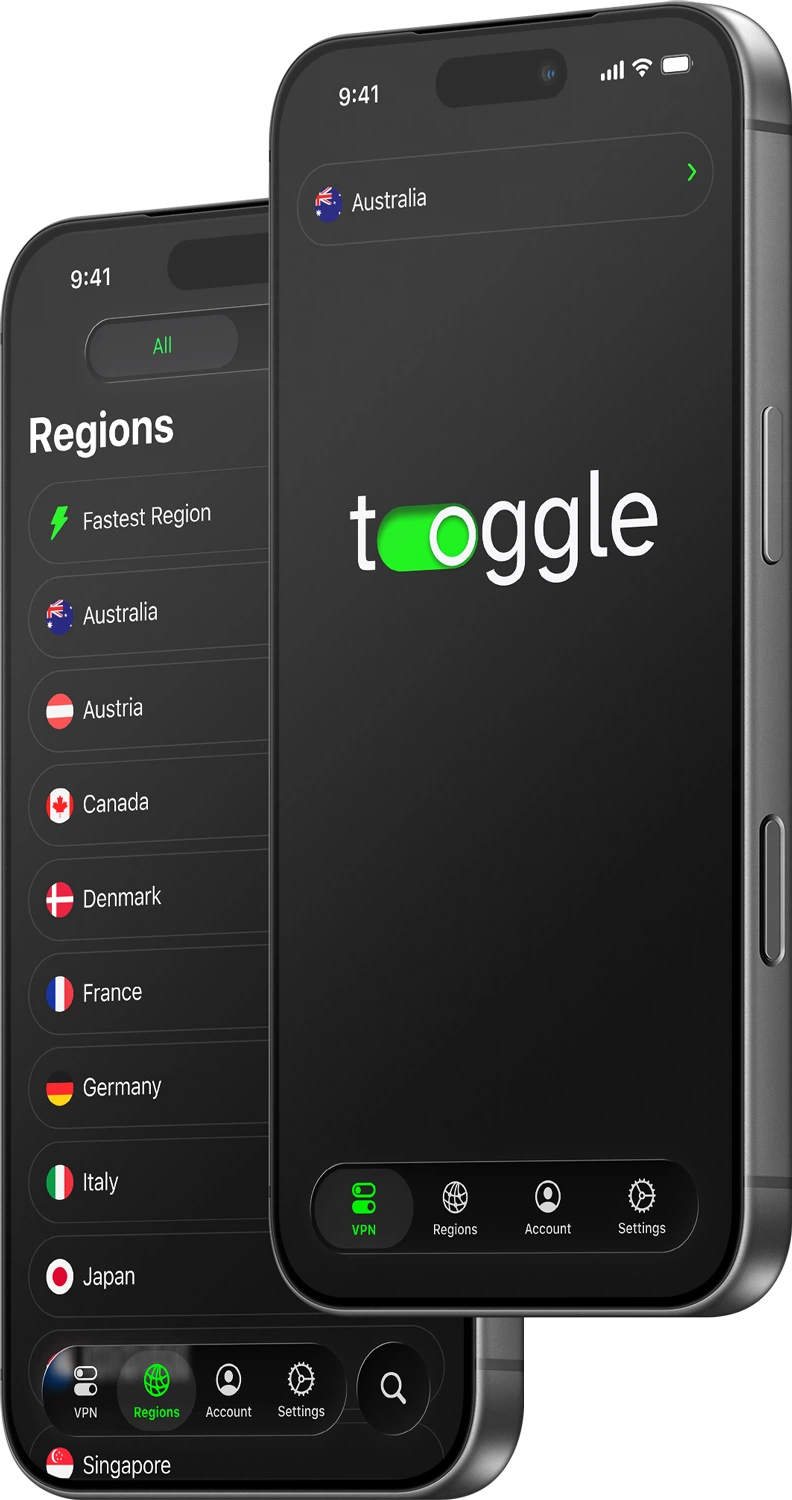
One-tap connection
Instant protection anywhere.
Optimized for iOS

Quick and simple
Create an account
Sign up for Toggle VPN. You get a full week to try out every feature, completely risk-free.
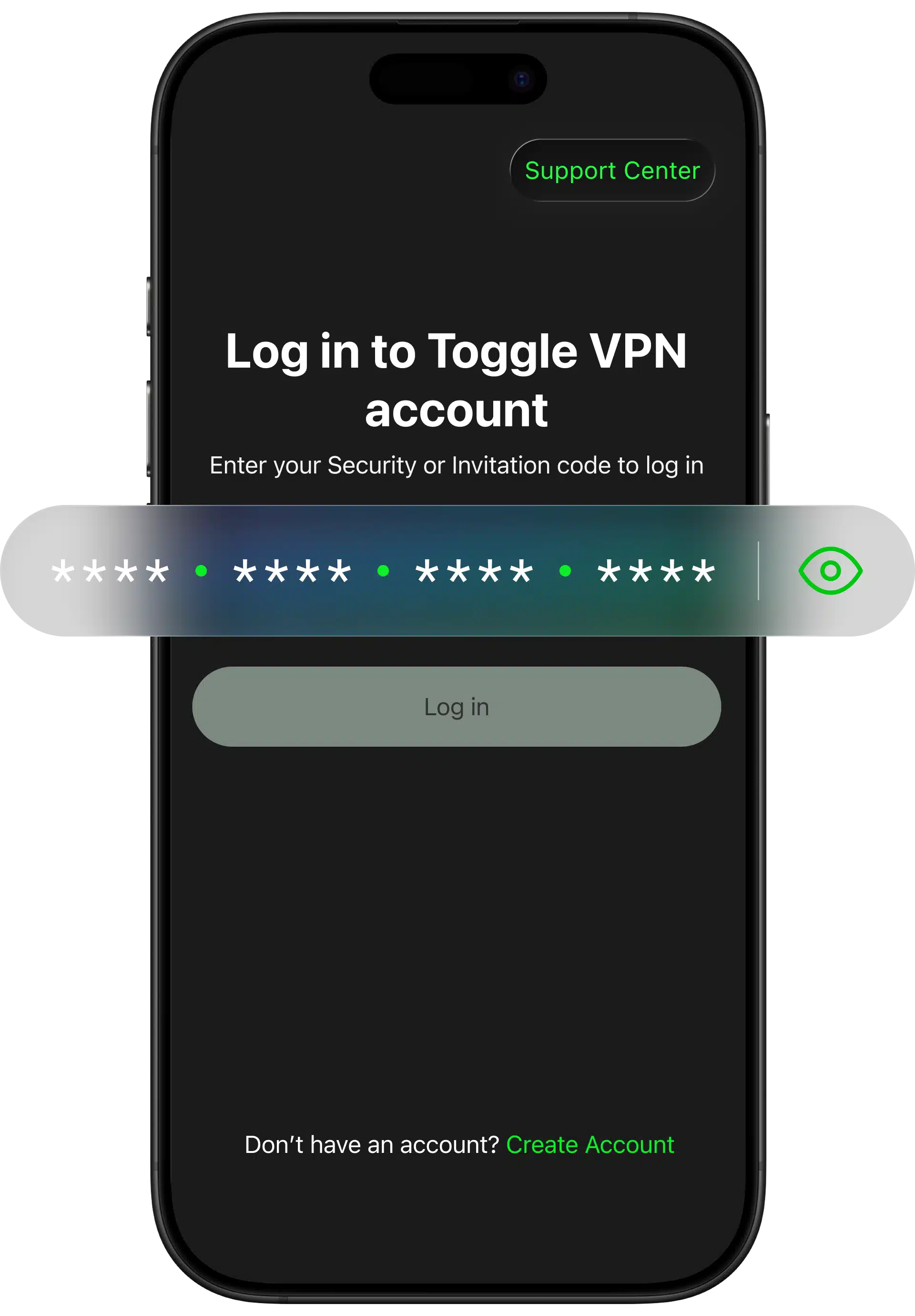
Download and log in
Download the app from the App Store and install it on your iPhone or iPad in a blink.
Launch and connect
Launch the app. You’ll get your own Security Code. That’s it, you’re ready to go.
Why your iPhone and iPad need Toggle
The VPN app creates a secure, encrypted tunnel between your iPhone or iPad and the internet. It protects your data on public Wi-Fi, hides your IP address, and lets you access the content you want from anywhere, backed by a strict no-logs policy.
Toggle VPN is designed specifically with Apple users in mind:
Compatible with iOS 16.0 or later — iPhone and iPad. Optimized for the latest A17 and M4 chips.
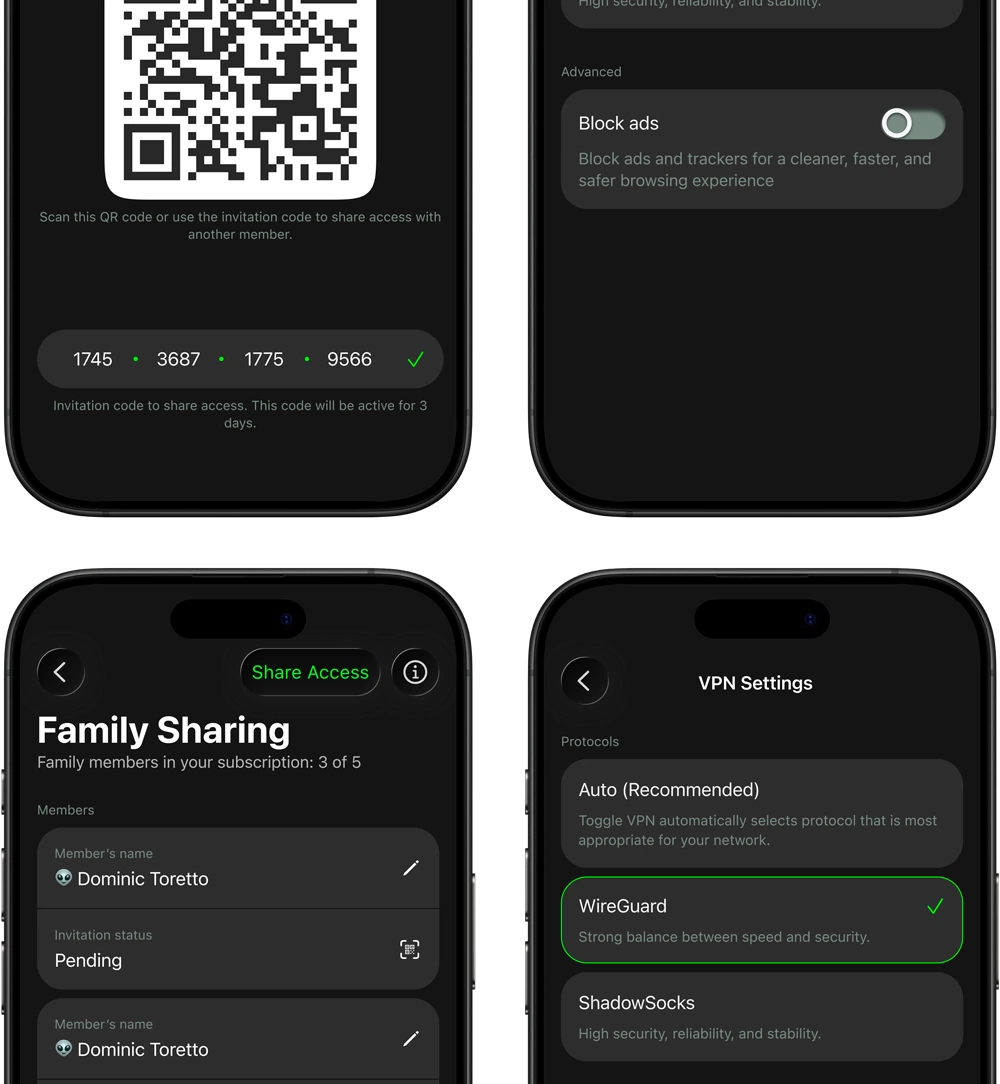
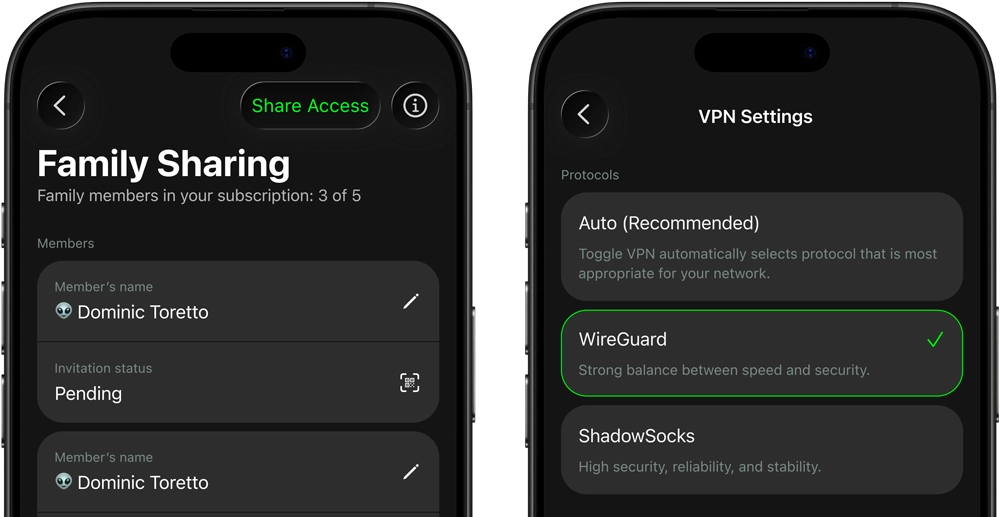
You can share your subscription with up to 5 people using our Family Sharing feature — at no extra cost.
Toggle VPN is a universal app for iPad and iPhone, fully optimized with multitasking support.

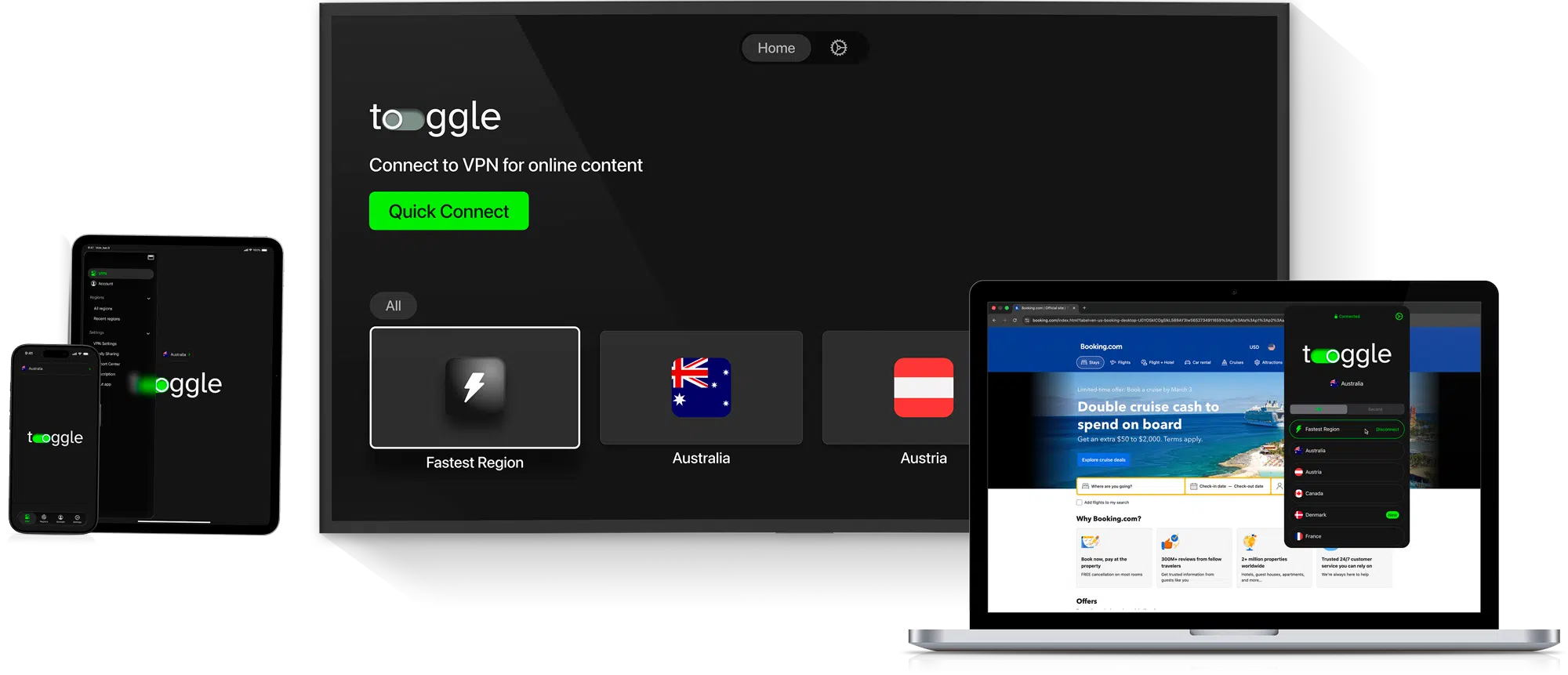
Also download for Android, Windows, macOS, Apple TV, and Android TV.
Available on:
Ideal choice for your device
Selecting the appropriate VPN makes a real difference in speed, privacy, and everyday usability. Here's a brief comparison demonstrating how our application compares to many typical free VPN services.
Features
Designed for excellence
Instant protection anywhere.

Smooth streaming and calls.

Low battery impact built for all-day use.

Cleaner browsing on Safari and apps.

Share Premium subscription with up to 5 people.

Connects and guards your device on unsafe networks.

Perfect on iPad and more.

Choose which apps use VPN.

Gaming on the go
Connect to low-ping servers for smoother gameplay in Call of Duty: Mobile, Roblox, PUBG, and more, protect yourself from DDoS attacks, and access early or region-locked content.

Public Wi‑Fi security
Secure your messages, emails, and banking on café, airport, hotel, or shopping mall Wi-Fi with one tap and strong encryption.

All-around privacy
Block ad trackers in apps, hide your real location from social platforms, and browse or shop online without unwanted tracking.

Unlock global content
Stream Netflix, Hulu, Disney+, DAZN, or BBC iPlayer from anywhere, access regional TikTok effects and Instagram features while traveling.
One subscription delivers a Premium experience for your entire ecosystem with access to our global network of 1,200+ ultra‑fast servers on 5 continents. Stream, game, and video call with zero lag. Toggle VPN works across your Apple devices:
Backed by real user experience
"Super easy to use on my iPhone. One tap and I'm connected."

"This VPN doesn’t drain my iPad battery. Used it for 6h flight, still 60% left."
"I use it every day on public Wi-Fi. Feels much safer. Besides there’s fast speeds and no annoying ads. Exactly what I wanted."
"I use it on hotel wifi all the time, havent had any issues since the setup"
"Traveling through China, this was the only app that consistently worked and kept my WeChat and WhatsApp running smoothly."
"Love the clean interface- doesn’t feel cluttered"
"The ad blocker is super nice. I forgot how fast Safari could be without banners and pop-ups slowing everything down."
"Finally unblocked BBC iPlayer while visiting my family in Spain"
"Customer support replied quickly when I had a question."
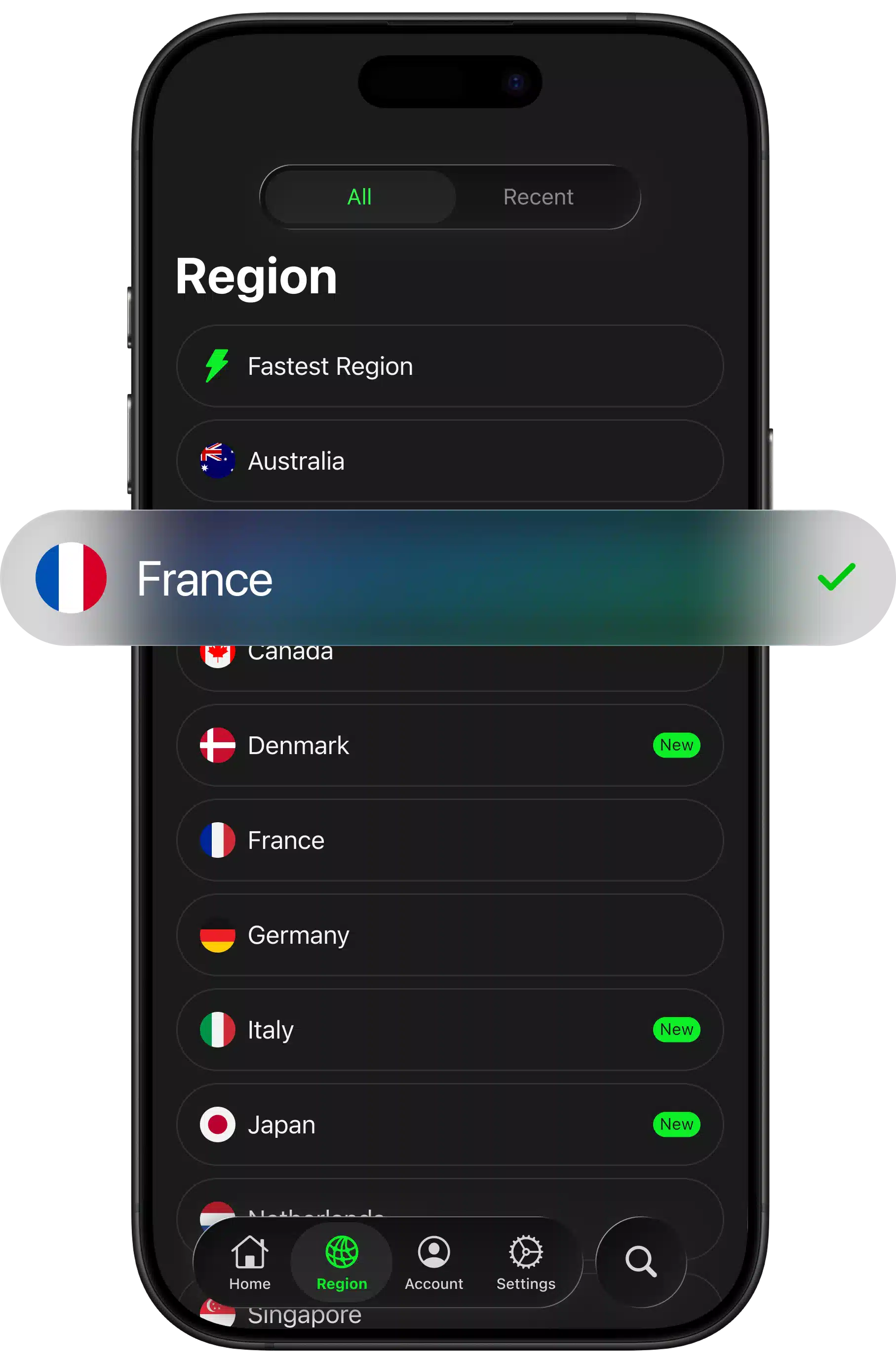
Pick your connection country and enjoy
More than 1,200 high-speed servers in 26 global locations. Automatically routes iPhone/iPad traffic via the fastest pathway. All servers have WireGuard and Shadowsocks support, with ultra-low latency available for mobile.
We regularly monitor and update our servers to ensure continued performance and guaranteed security.

United Kingdom

India

Brazil

Hong Kong

Spain

USA

Canada

Singapore

Germany

Switzerland

If you don’t think it’s right for you, you can get your money back within 30 days — no hassle, no fine print. We stand behind our service with:

Unlimited data and bandwidth
Up to 10 simultaneous connections
Fast, stable mobile connections
1,200+ servers in 26+ regions
Family Sharing feature
Modern encryption protocols
Built-in ad blocker
Split Tunneling per app
Regular app updates
Strict no-logs privacy policy
Kill Switch functionality
24/7 friendly support
We have optimized our protocols to provide a high-speed server network. So, you will not notice a major difference in your iPhone’s performance. In fact, the drop in speed is less than 5% for most users. Our servers guarantee a stable service on both Wi-Fi and 4G/5G connections.
No. We do not monitor your activity. We have a strict no-logs policy, which means we do not store your activity on our servers. We do not record your IP address, browsing history, DNS queries, or connection times. Your online activity is kept confidential and is not tracked for any advertising purposes.
Yes, we have a native tvOS app available directly on the App Store for Apple TV devices. You can download it just like any other app on your Apple TV and log into your account using your Security Code.
You can enjoy our service on up to 10 devices at the same time with a single subscription. This means you can enjoy our service on your iPhone, iPad, Apple TV, Android, Windows, and macOS. Simply login with your Security Code to enjoy our service on all your devices.
Yes. Our servers are optimized for high-bandwidth activities like HD streaming, online gaming, and video calling. With our service, you can enjoy stable connections, low latency when possible, and encrypted traffic to ensure your online activities remain safe and secure while you enjoy your favorite online apps and games.
You can cancel your subscription by going to Settings on your iPhone, tapping your Apple ID at the top, and then clicking on Subscriptions. Next, you can find Toggle VPN and tap Cancel Subscription. This only takes a minute to do. Even after you cancel your subscription, you will enjoy full access to Premium features until the end of your current subscription cycle.

